 Calmly Writer

The window
What is on the screen when you open Calmly Writer, and where the rest hides until you need it.
When you open Calmly Writer you see your text and very little else. Everything the app has is still there, but it shows up only when you reach for it.
The top strip
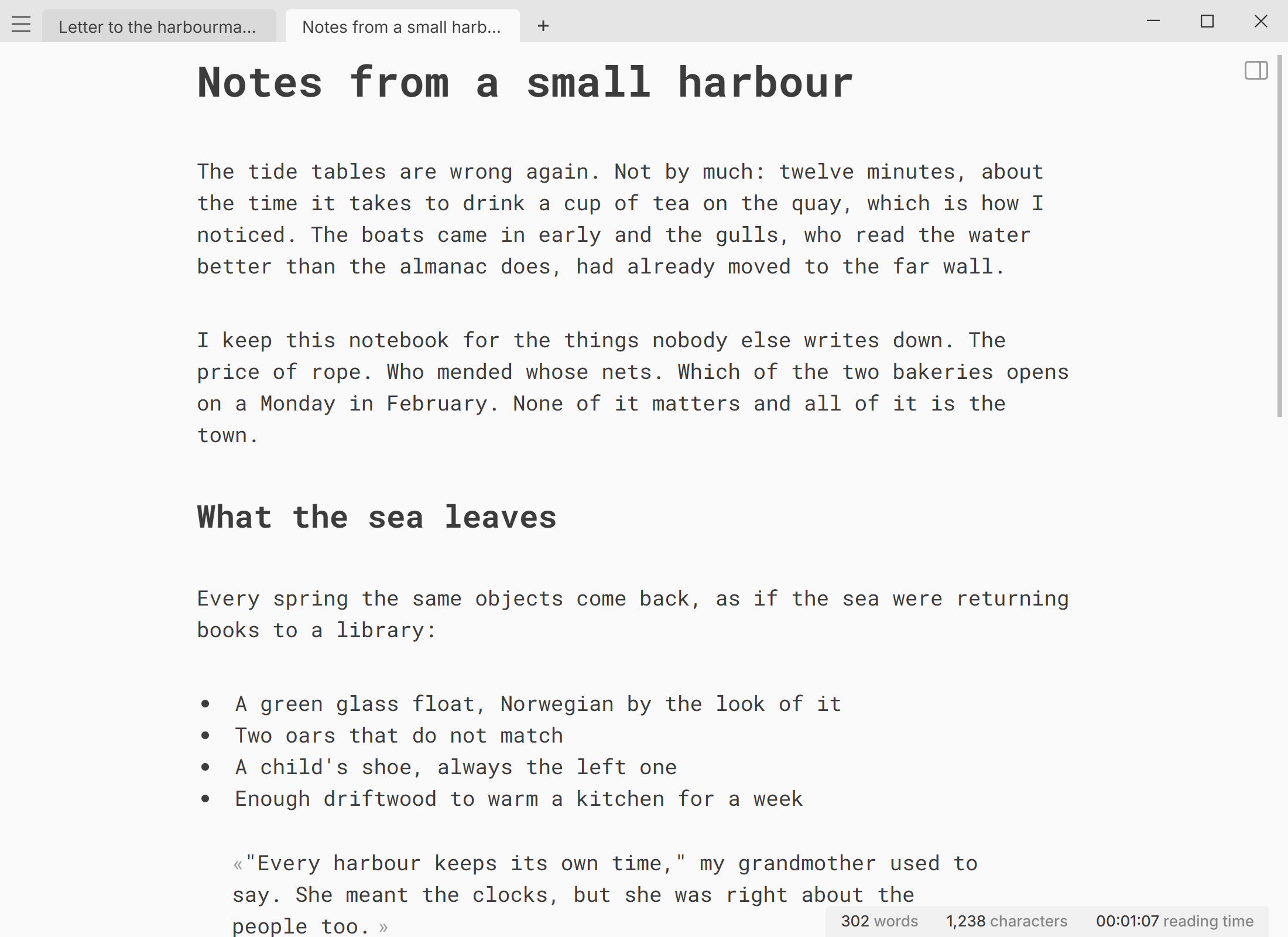
Move the mouse to the top edge of the window and a strip appears with the menu button on the left, the open tabs, and + for a new document. On a touch screen, tap the top edge. The strip hides again a moment after you start typing, so the text is alone on the screen while you write. If you would rather keep it in view, turn off .
On Windows and Linux the window has no system title bar: the minimise, maximise and close buttons sit at the right end of this strip. On a Mac the usual window buttons are in their usual place.
The menu
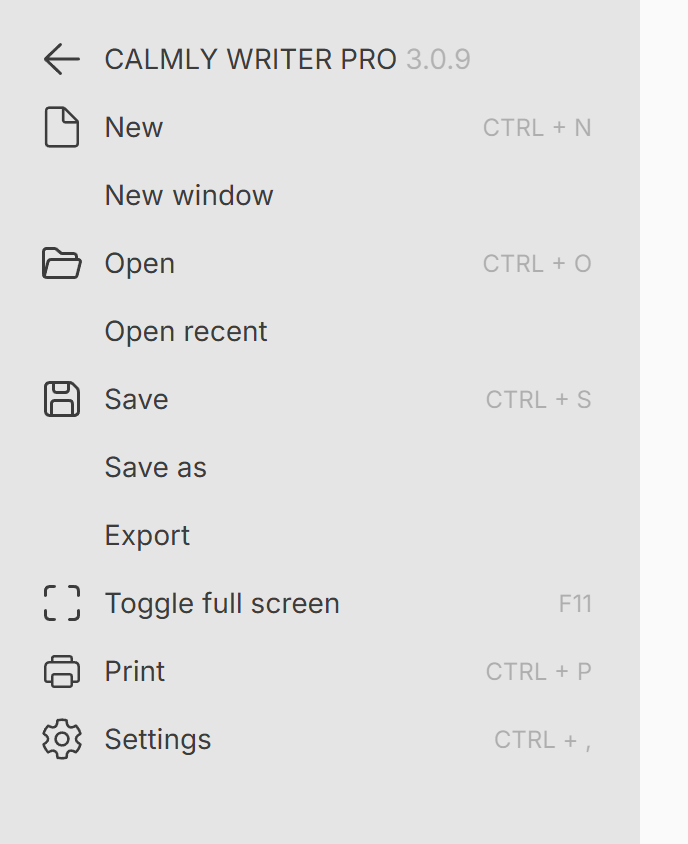
The menu button (three lines, top left) opens the main menu with the file commands: new, open, open recent, save, save as, export, print, full screen and settings. Most have a keyboard shortcut, shown next to them.
The word counter
At the bottom right, the counter shows the words, characters and reading time of the document. Next to it, two small buttons set a writing target and change what the counter displays. Ctrl+Shift+C⇧⌘C hides the counter while you type, or shows it again. See Word count, reading time and targets.
The table of contents
As soon as the document has a heading, an icon appears at the top right. It opens a table of contents you can click through; Ctrl+Alt+A⌥⌘A does the same. See Headings and the table of contents.
The scrollbar
The scrollbar hides while you write. Move the mouse to the right edge of the window to bring it back.
Esc
EscEsc is the way out of most things: it leaves full screen, closes the search, the table of contents or the menu, and brings the tabs back.
A small window
The window can be shrunk to a strip of 480 by 100 pixels. That is enough for one line of text next to a video call or a browser, if you want to take notes without giving the whole screen to them.
More in Getting started
Where to get Calmly Writer for each system, what the installer registers, and how updates arrive without you doing anything.
The 14-day trial of the desktop app, how a license key works, and what is different about buying the Android app.
Several documents at once, in tabs or in separate windows, and the small things tabs do that are easy to miss.