 Calmly Writer

Backups and previous versions
The copies the app keeps of every open document, how to go back to an earlier one, and how to get back a document you closed without saving.
While you write, Calmly Writer keeps copies of every open tab, saved or not. They are stored on your own device, in the app’s data folder, and never leave it. If the app closes unexpectedly, the tabs come back as they were the next time you open it. Beyond that, the copies serve two purposes you can reach from .
Previous versions of this document
Restore a previous version of this document lists the earlier states of the document in the current tab: up to thirty per file, kept for thirty days. Each is labelled with the moment and the kind of copy it is:
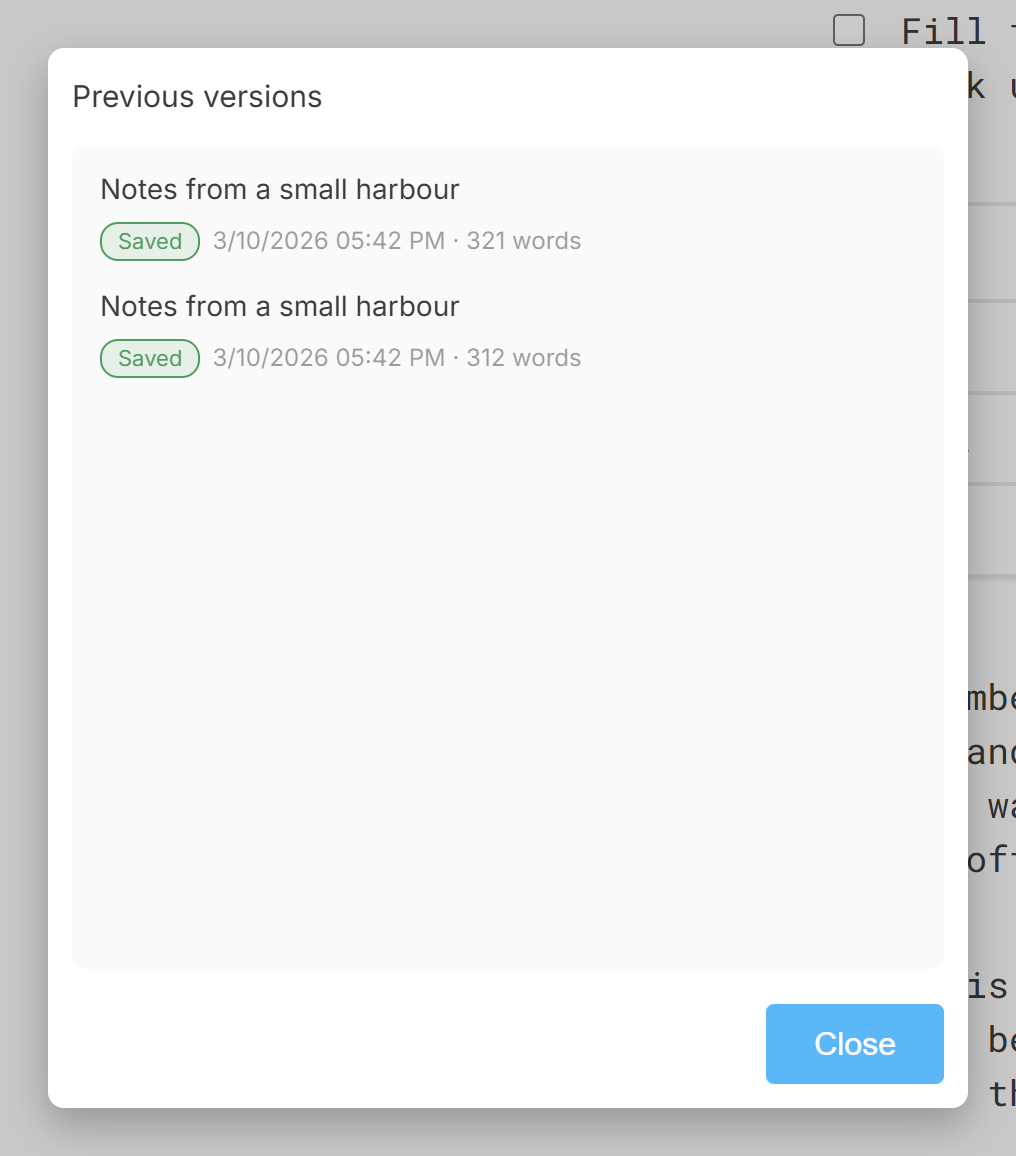
- Saved: the document as it was when you saved it.
- Autosave: a copy the app took on its own while you were writing.
- External change (on disk) and Your replaced version: the two sides of a change made to the file by another program, so nothing is lost either way; see Changes on disk.
- Earlier version: a copy made by an older version of the app.
Choose one and the tab goes back to it. The version you were on is kept too, so going back is not a one-way door.
Recovering a closed document
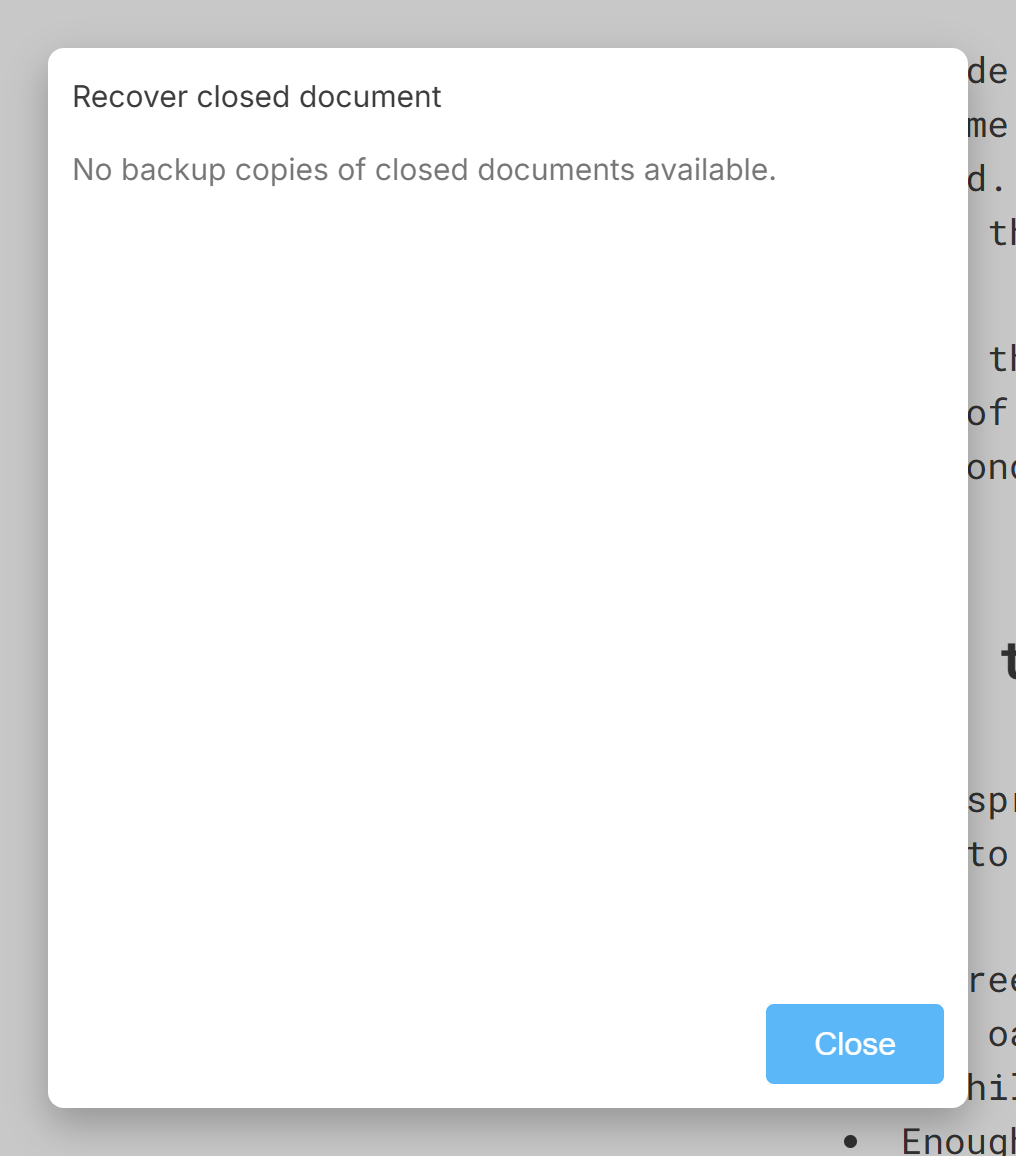
Recover backups from closed documents lists the documents you closed without saving, with the time they were closed and the days they have left: they stay for fifteen days, then go. Choose one and it reopens in a new tab.
The bin icon empties the list, after asking.
On Android
Backups live in the app’s private storage, which Android deletes when the app is uninstalled, along with the previous versions and the closed documents. Save anything you still need as a file before uninstalling. On Windows, Mac and Linux, uninstalling leaves the backups where they are.
More in Files
The files Calmly Writer opens and saves, what each one keeps, and which to choose as the default.
Saving by hand or letting the app do it, where new documents go, and how they are named.
The open dialog, the list of recent files, and the other ways a document can arrive in a tab.
What the app does when a file open in a tab is changed by another program, a sync service or another computer.
Word and PDF from the document on the screen, and what to use for HTML and Markdown instead.
Keeping documents in Google Drive, Dropbox or OneDrive, on the desktop and on Android, and what each service can and cannot do.