 Calmly Writer

Typing sounds
A sound for every key, in three flavours, with its own volume.
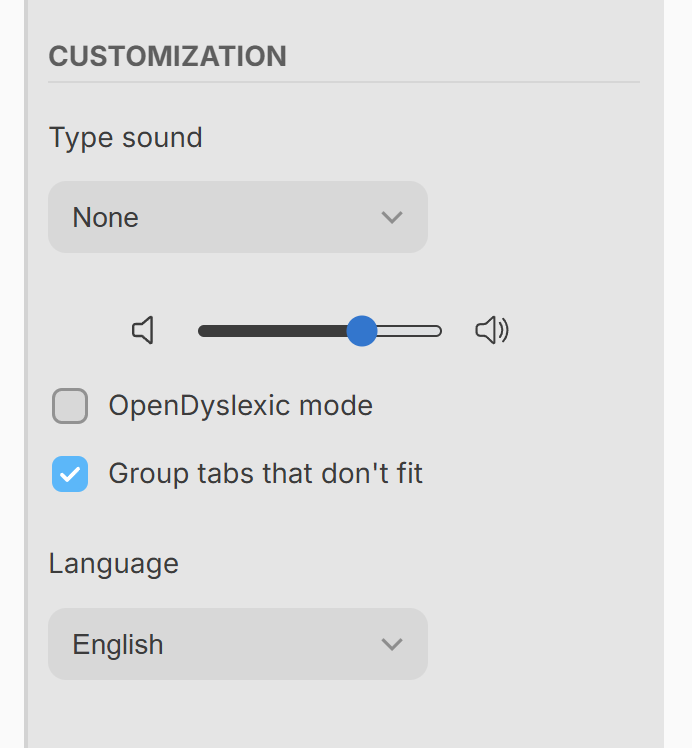
Some people write better to the sound of the keys. plays a short sound on every keystroke, in one of three styles:
- Typewriter: the clack of a manual typewriter, with the carriage return on Enter.
- Keyboard: a mechanical computer keyboard.
- Taps: the soft tap of a phone keyboard.
The pitch varies a little from key to key, so it does not turn into a loop, and the space bar, Enter, Backspace and the page keys have sounds of their own.
The slider under the setting sets how loud. The sound is off by default; the setting is remembered, so once chosen it is there every time you open the app.
More in Focus and appearance
Dimming everything but the paragraph you are writing, hiding the cursor and the tabs, and taking the whole screen.
Six themes and a colour of your own, the colour of the text and of the cursor, and the shape of the cursor.
The three built-in typefaces and the ones on your system, the width of the text column, the size of the type and the space between lines and paragraphs.
The counter at the bottom of the window, what it can show, and a target in words or characters for the document.